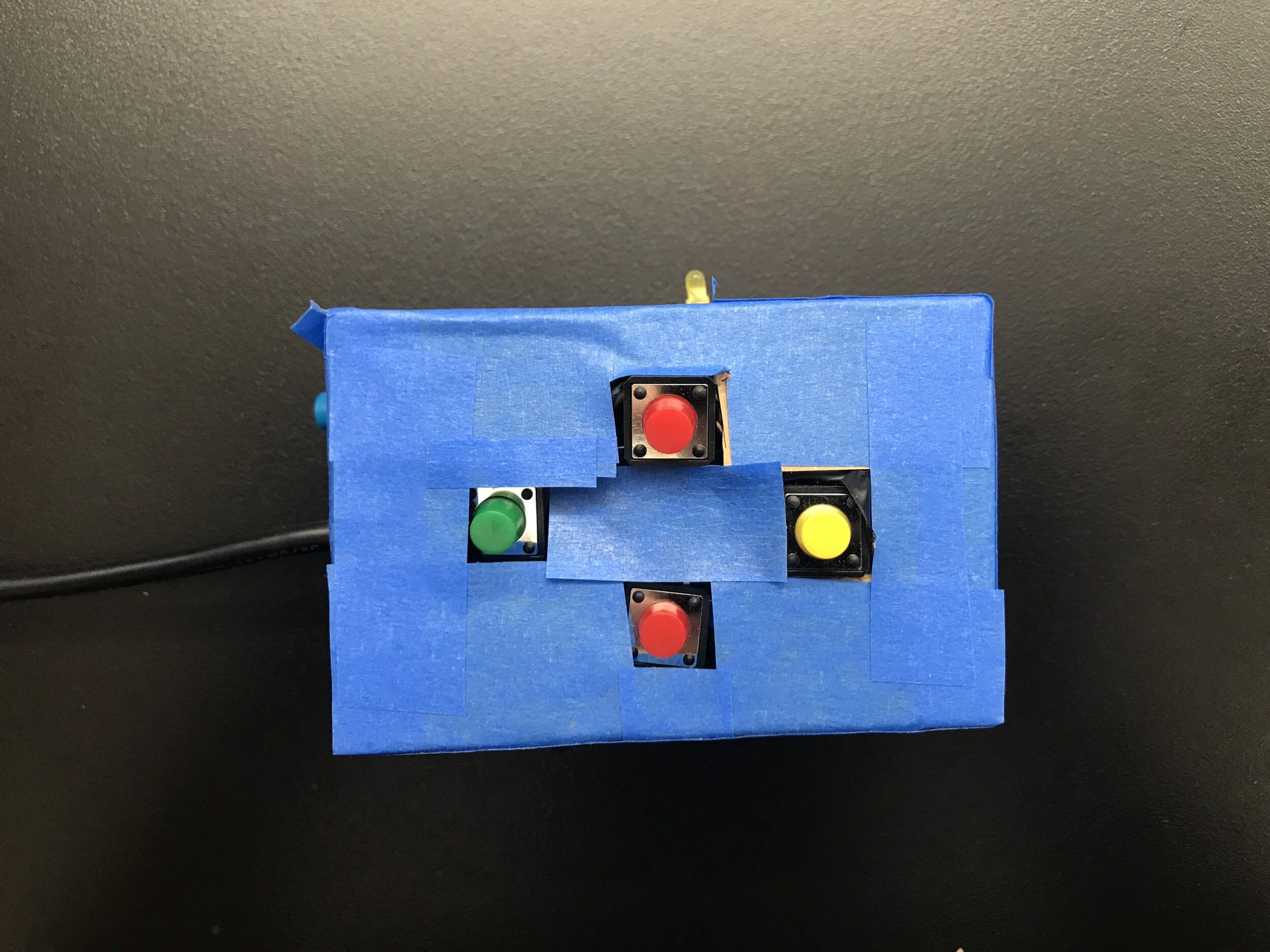
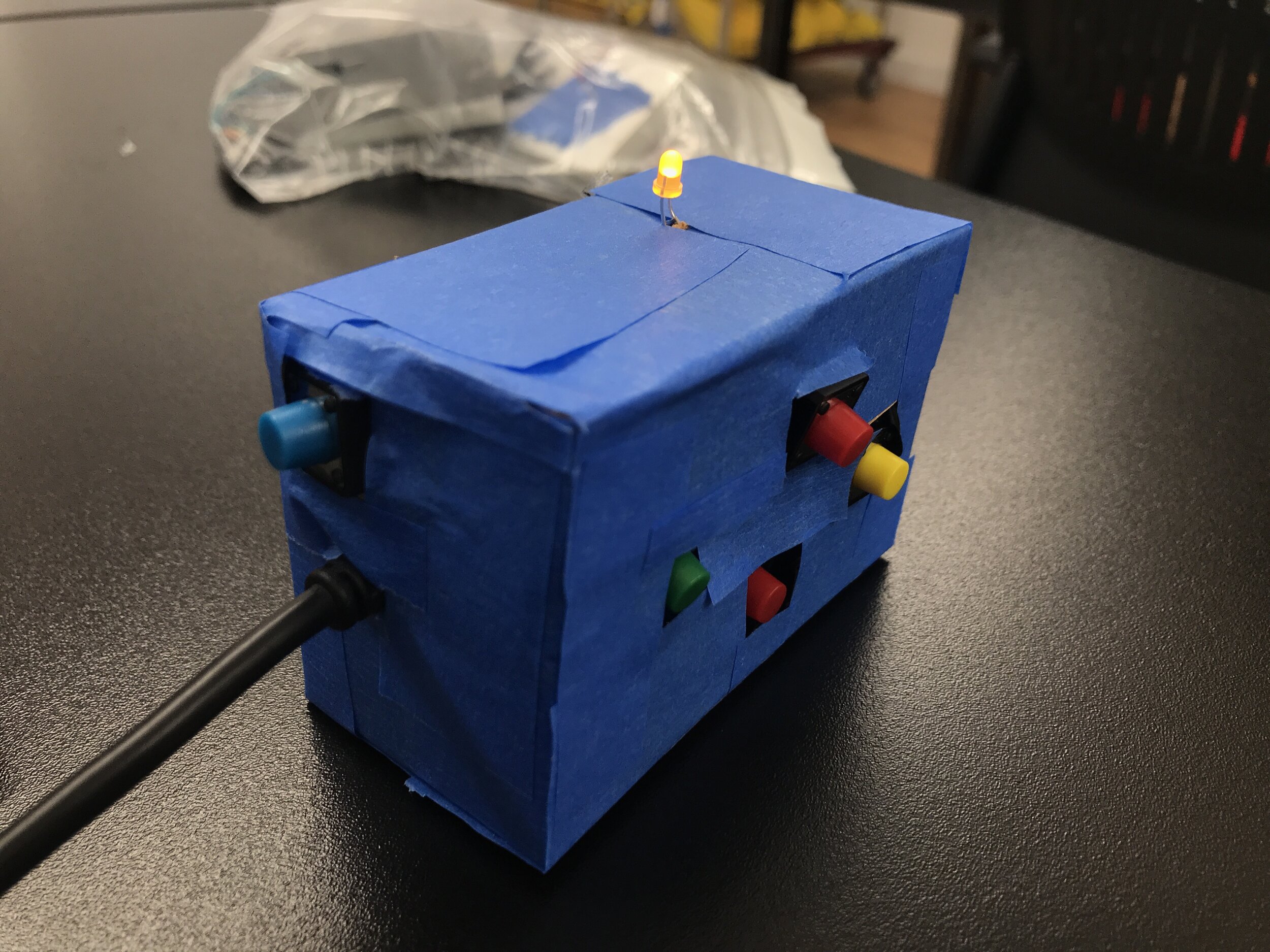
The first assignment for this class is to create a device that can connect to a server via TCP socket connection to play a game. Using sensors that will detect the users’ actions, the Ball Drop Game is played. For my device, I am using 4 buttons that each have different directions of movement assigned (up, down, left, right), 1 button that connects to the server and 1 LED that will indicate whether the device has successfully connected to the server or not. The components are encased in a cardboard box that is about handheld size and the buttons are in the typical game controller arrangement. The box is still a prototype and I learned a lot about fabrication for electronic components in the process.
While the circuitry and fabrication was relatively straightforward, the code part was a challenge for me. To make this project work, I adapted Tom Igoe’s already existing arduino code for connecting a joystick client to a TCP socket via IP address for my button device setup. I definitely needed the guidance of the already existing code to understand the method for initiating a client, connecting to the server, checking its status and sending over messages. I also learned about the built in pull-up resistor for the arduino that can be called from the pinMode() function with INPUT_PULLUP , which will by default set the value to HIGH.
Game Play Demo