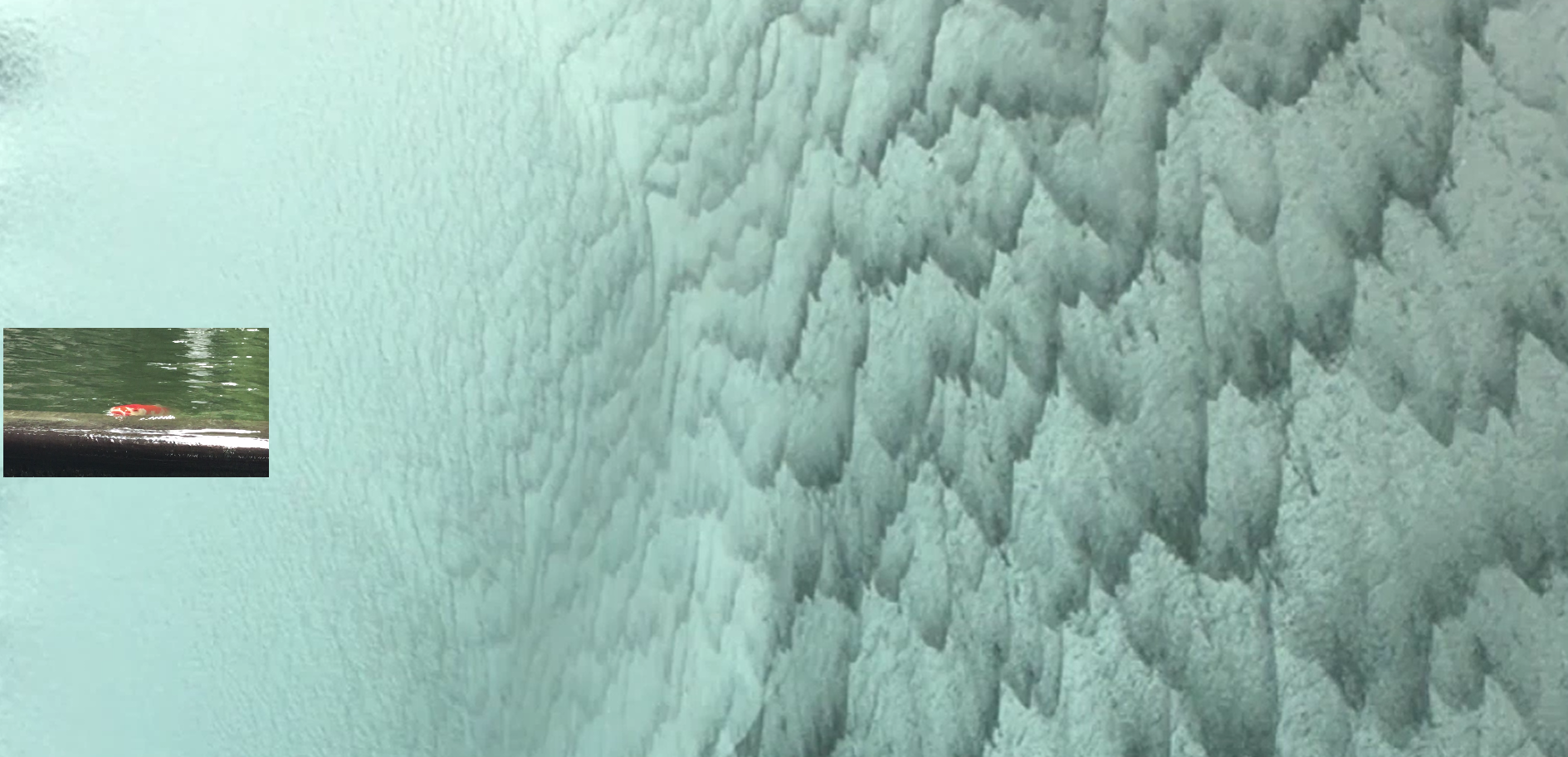
To interact: click the fish video then move the mouse left and right to control the speed of the waterfall.
This is a reflection on how the year 2020 has been going so far. I feel that it’s just been a relentless cascade of so many things which at times felt very fast and other times slow (hence the playback control). I am the fish that is just staying still while gaping its mouth open trying to catch a breath (except this fish is trying to get food).
The piece turned out simpler than I wanted because I had a lot more ideas but got stuck with the technical execution. I am not really familiar with working with DOM elements so I had a lot of trip-ups trying to figure out which parts should go in html, css or js. My overall intention also included making the fish video move around but could not get it to work with canvas and also tried to allow the user to click around to create more fish video instances. I think I have to take a step back and build up the foundations first to continue this project.
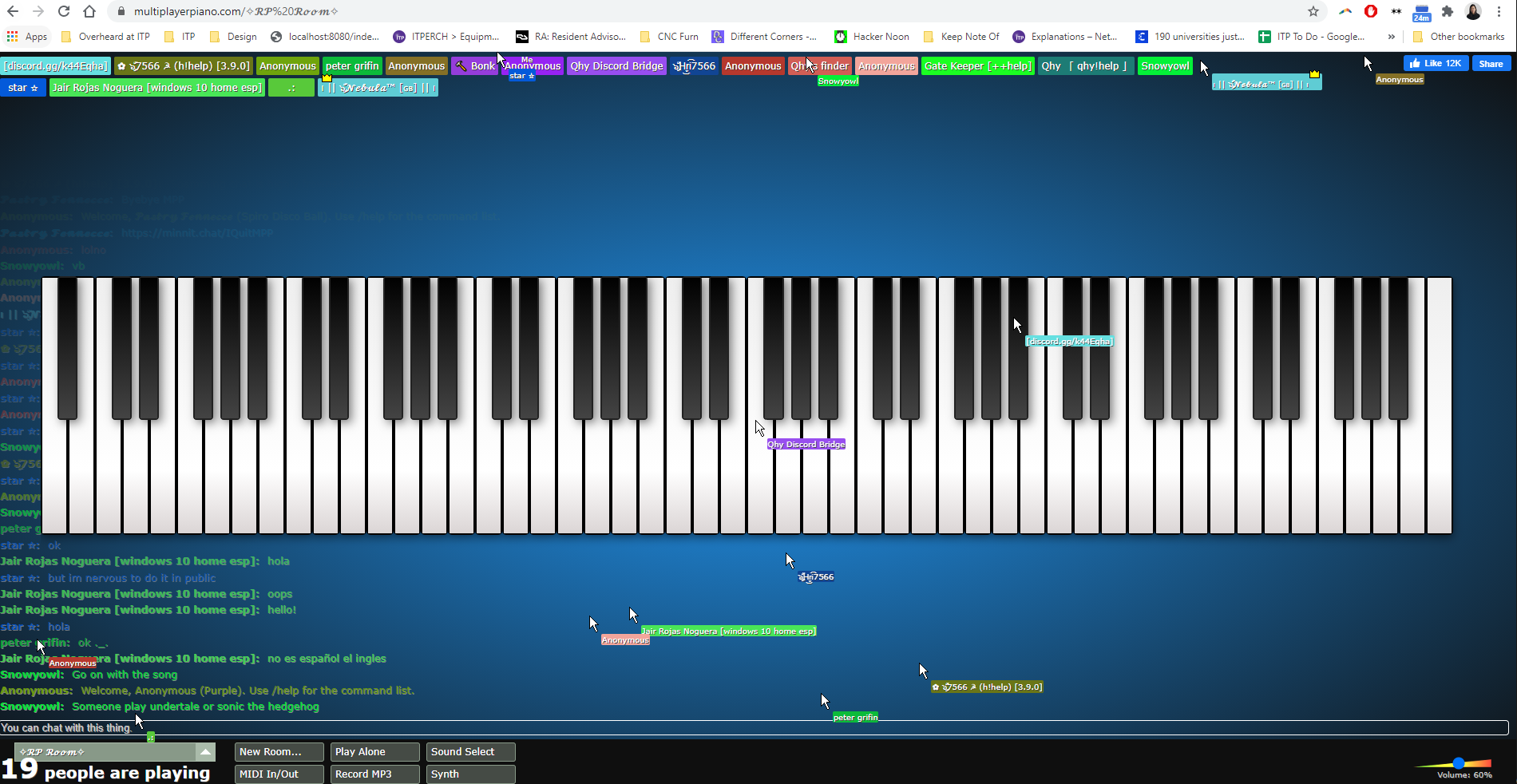
mULTIPLAYER PIANO - link
Anyone can play piano with other people in real time on this page. Features:
hear real time piano playing by others
see real time cursor movement
ability to chat
different rooms that users can create
ability to plug in midi keyboard
Observations:
Some people take it seriously and play a piece
others just smash keyboards
some rooms allow the one player to take center stage
other rooms are just pure chaos
people move their cursors around as though they are jiving with the music which I thought was interesting, given the limited expressiveness of a cursor and yet you can still communicate things with micro-movements