As a starting point, I picked out a track that I thought would be interesting to create visuals for. I chose Boreal Massif - Low Forties, a track that starts with a slow build up of percussive sounds but then brings in impactful breakbeat as the song progresses.
To get the visuals to match the music, I picked out footage that were “elemental” and mystic like the rising sun and swaying foliage but I also tried out some kooky ones like the taxidermy lizard. For the effects I ended up using jit.brcosa, jit.chromakey, jit.slide, jit.pix and jit.xfade. While creating this patch, I learned that there is a lot to be discovered in video manipulation by just playing around with the combination of effects and the order that they can be plugged in. Also the way you overlay different footage can have have really interesting outcomes as well. For the performance I used Novation’s LaunchControlXL and assigned some knobs and sliders to number control in the patch.
the breakdown
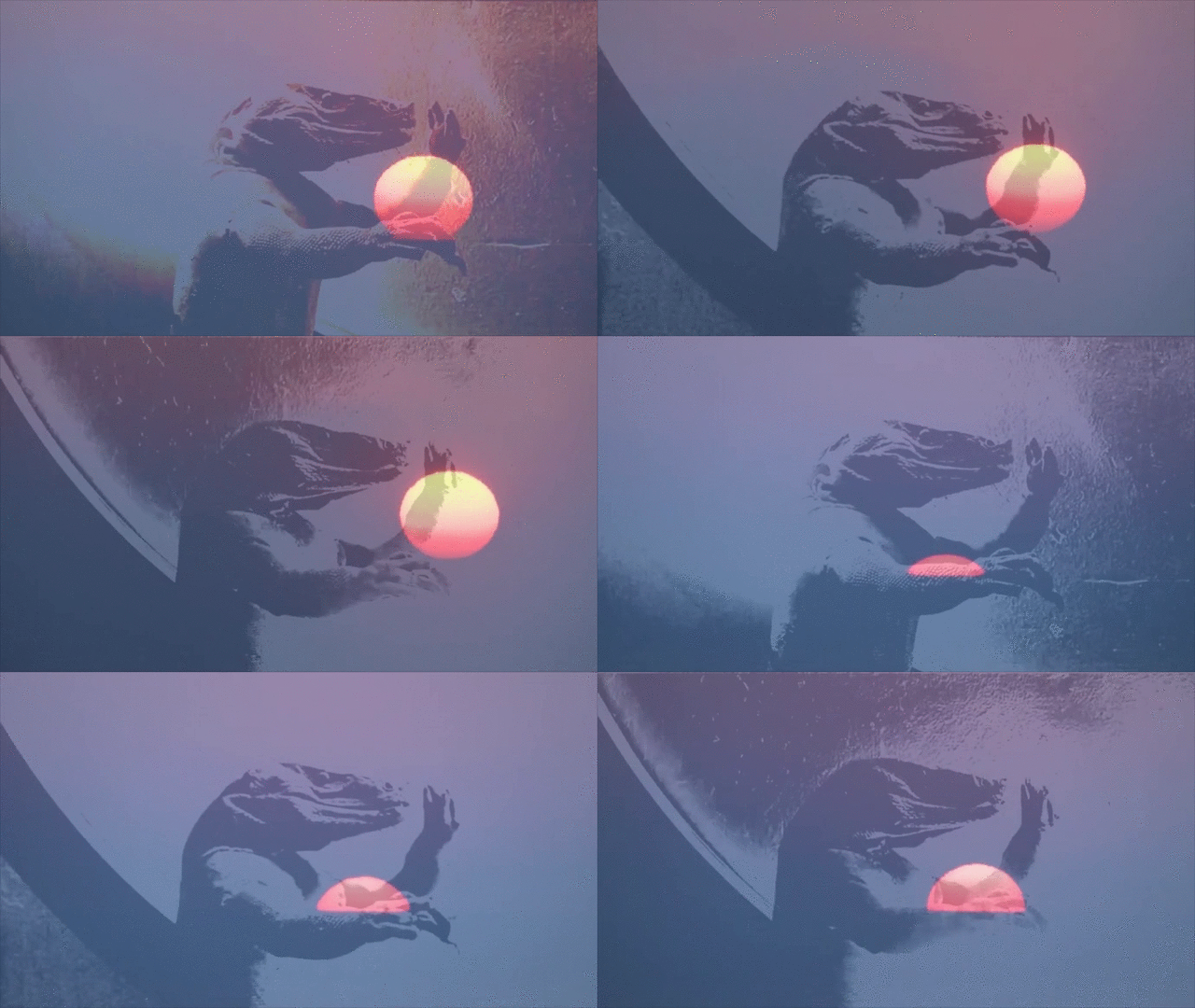
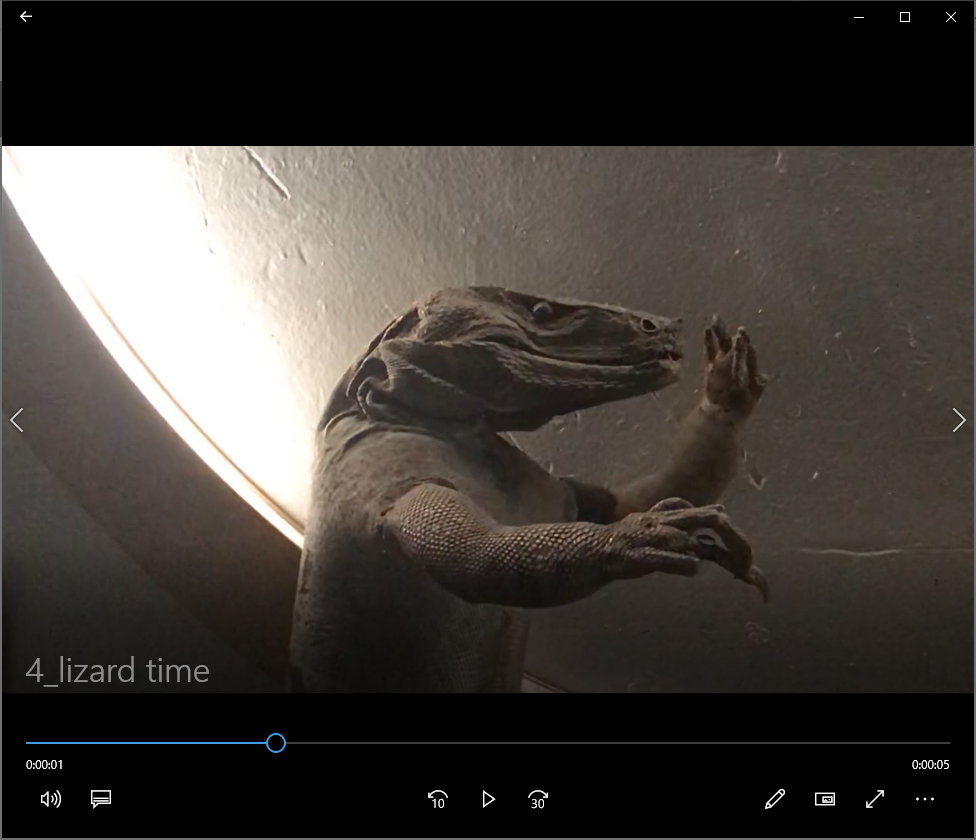
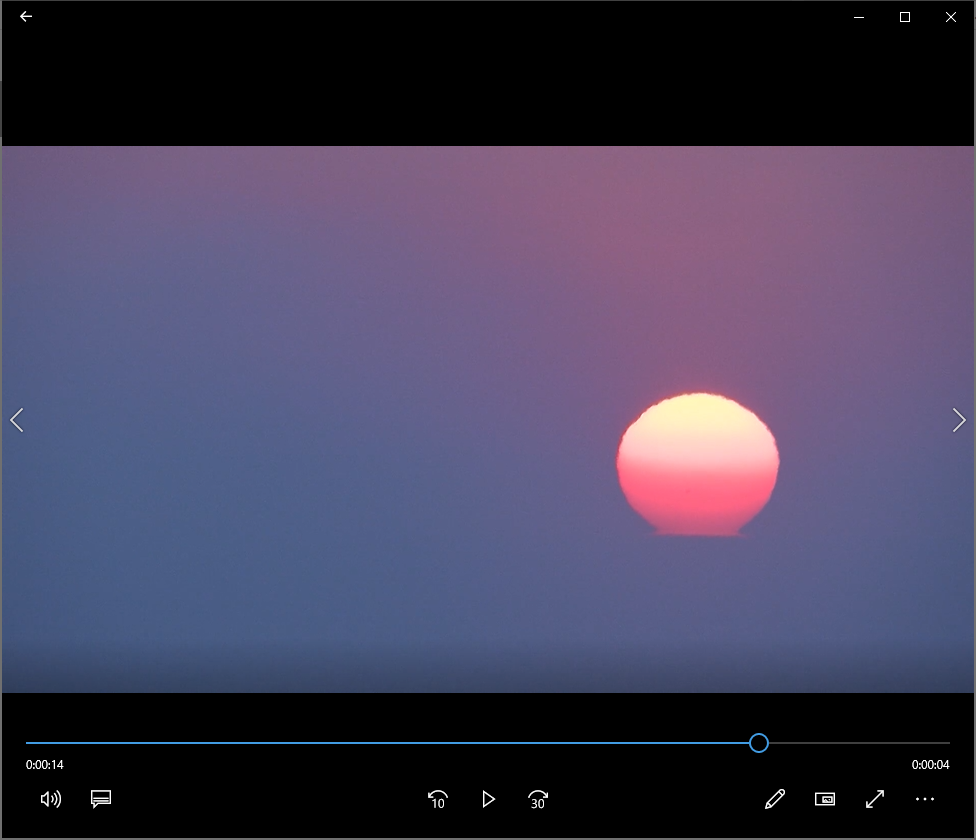
1. This was a happy accident where the footage of the lizard lined up with the rising sun so it looked like the sun was being created and released from its arms. Here I am using jit.xfade.
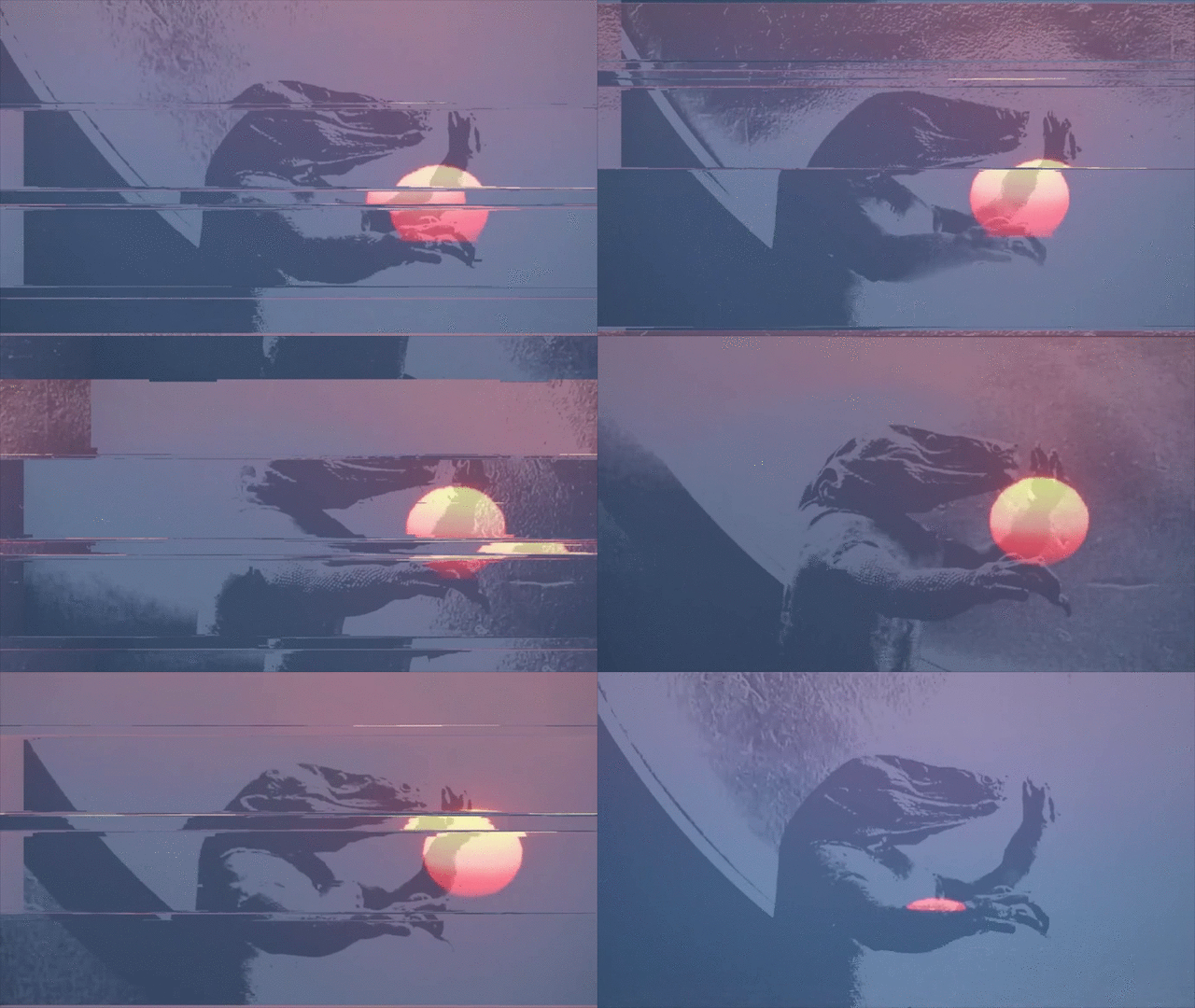
2. I added a glitch effect when the breakbeat comes on. I am using jit.pix and overlaying a source glitch video. I am also controlling the intensity of the glitch with a designated knob. The glitch tutorial I followed to get this effect.
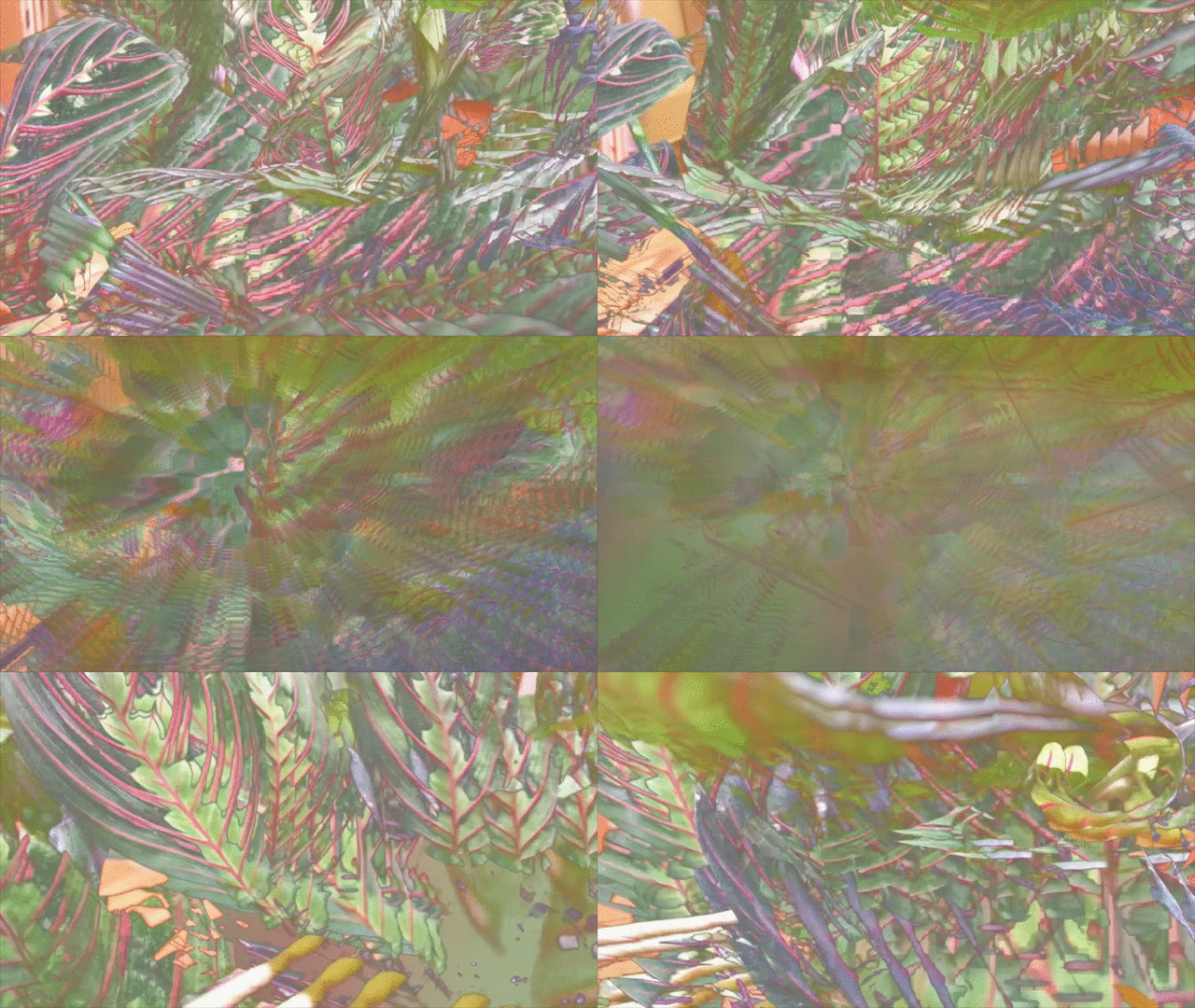
3. Here I am using jit.chromakey, jit.sucka and jit.rota to sample a color from the original footage and recursively overlay ontop of it.
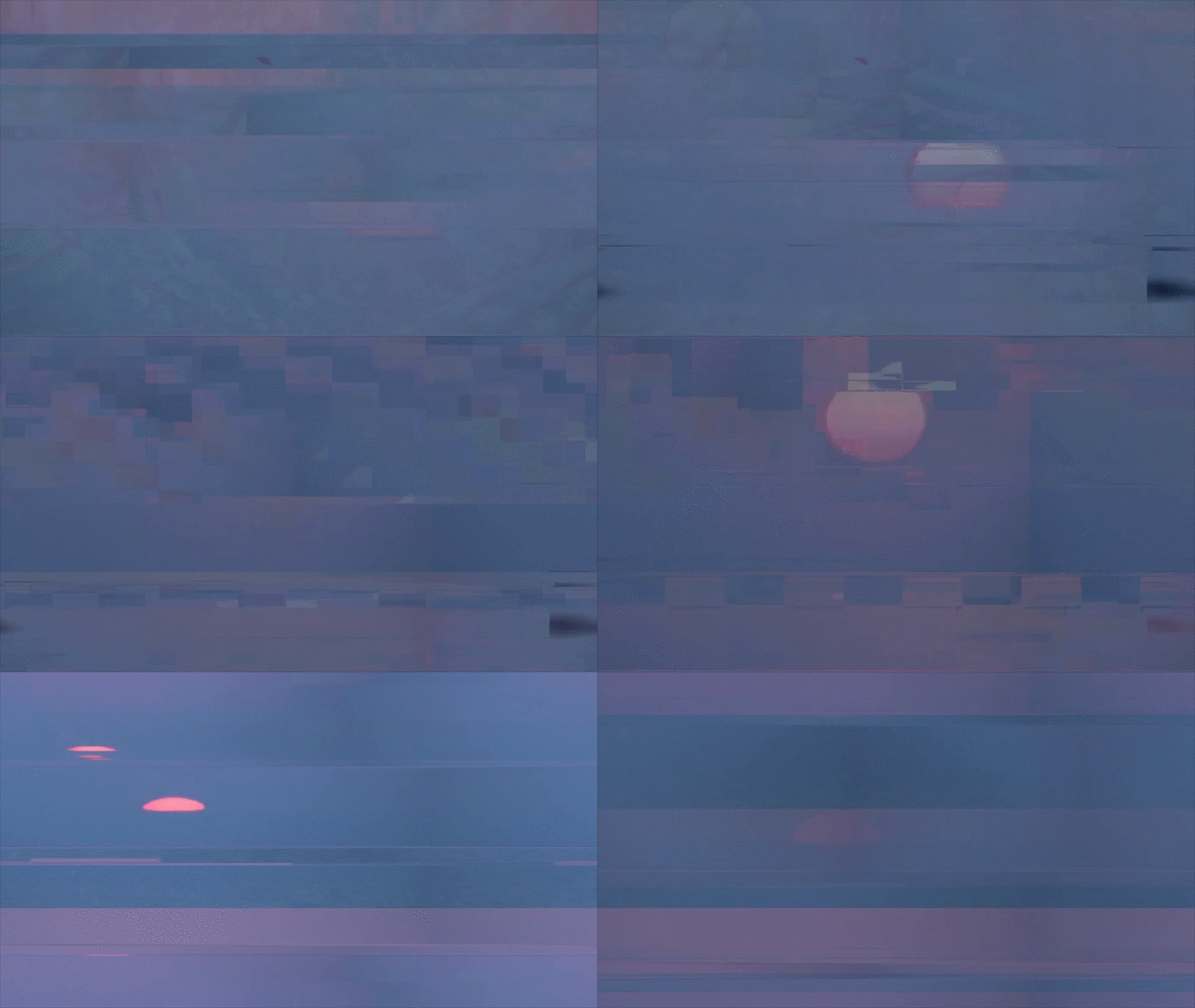
4. For the final scene, I have multiple effects, the glitch and the slide. Here it really starts to look like I am painting with the pixels getting a nice outcome.
the final patch
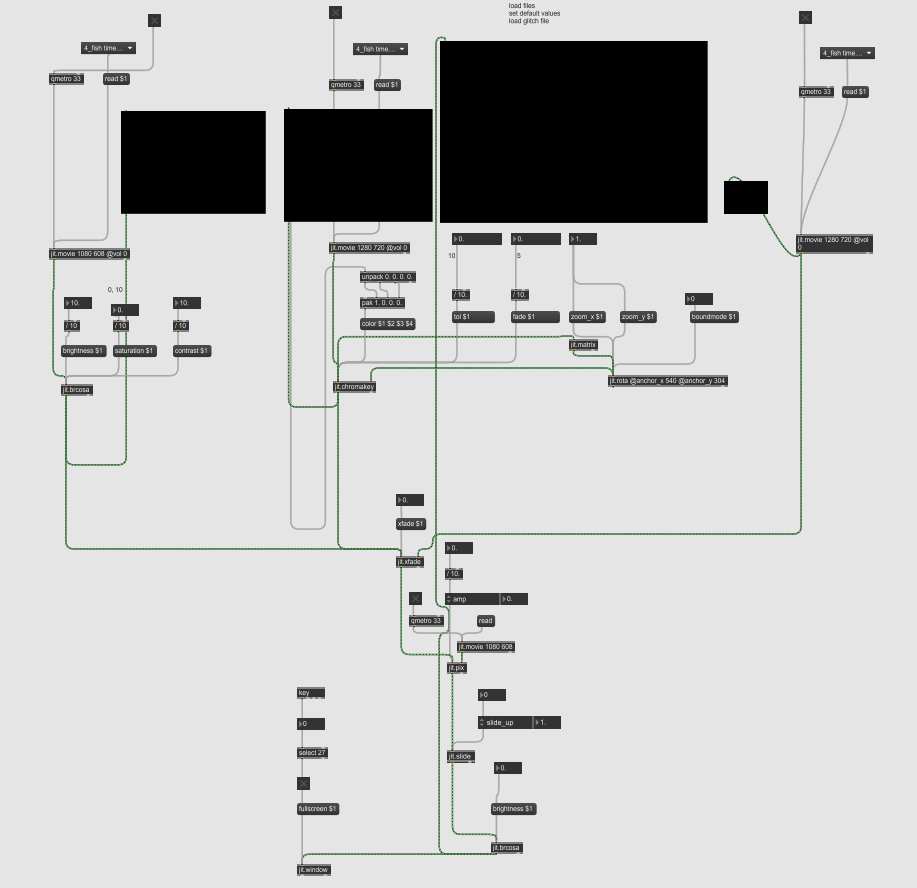
Some of the issues I faced:
Effectively triggering and stopping footage with the MIDI controller with one push of a button.
Effective method for having multiple videos in accessible object.
Using the knob to control float values and not just integer