Final Project - Weatherband API

Here is the link to the github.
In collaboration with Yiting Liu and Name Atchareeya.

System Diagram created by Name

Two other ITP Weather Band members and I thought it would be a good opportunity to apply what we learned from this class to build the API that allows the transfer, access and storage of weather data between the sensors, databases and clients. Below is the systems digram that show the components involved and their relationship to one another. To begin, the weather station and the enviro-shield is located on Yeseul Song’s apartment fire escape in East Village, NYC, which is connected to an Arduino MRKR1010. The Arduino sends data from the sensors every minute to the mySQL database on the Digital Ocean VPS which can be accessed by a p5 client, an Arduino client or any web-client made possible by the API. This final project is what got me to finally understand what an API is and it’s not that I haven’t looked up the definition before but doing it in practice really cemented my understanding, especially as someone who does not come from a software background.


In terms of divvying up the project. Name took charge with the API and adapting the code from the previous iteration of the Weather Band API. Refer to the github or Name’s blog post or the github for a break down of the API. Yiting was in charge of the web client that would also be revised to be the public facing documentation page for the Weather Band. My role was to set up the mySQL database as well as help Yiting with fetching the data and displaying it properly in the webclient. It was in this role that I finally understood the importance of callback functions because Javascript is an asynchronous language and will progress to the next operation before a prior action is completed. This became an issue as we were trying to load the JSON file of data that we got as a response from the server and display it but the code would execute the draw() function before the file had been fully loaded.

Overall, this was a really great exercise to gain a comprehensive understanding of what goes into an IoT device that can store data which can be accessed by other devices. I can foresee my thesis project adapting this system in a different application.
Week 5 - Packet Sniffing

This week I used WireShark to monitor network activity that starts and ends at my local machine. Here are some of the findings after running the program and going about typical browsing in these domains: Souncloud, Gmail, Google search for recipes, Netflix, and Amazon.

In the span of about 20 minutes 258,422 packets were collected. 178,276(69%) were inbound and 80,146 (31%) were outbound. I could see 3 other devices on the network including my phone, roommate’s laptop and phone. My iPhone had the most mDNS requests and responses and I think that’s because of the airdrop feature being ON on both my laptop and phone. Also they are logged into the same iCloud account.


83.9% were HTTPS (port 443) connections while just 1.3% were HTTP (port 80) connections. Not sure if this is a valid observation but a lot of the “behind-the scenes” connections seemed to happen on a HTTP connection like when google’s server from chrome updates : “r1.sn-ab5l6ndy.gvt1.com” would keeping cropping up while I’m using the browser or “logs-01.loggly.com” for when I have the Notion app open and it continues to send over updates to log whatever changes I have made on my notes.

Other Observations:

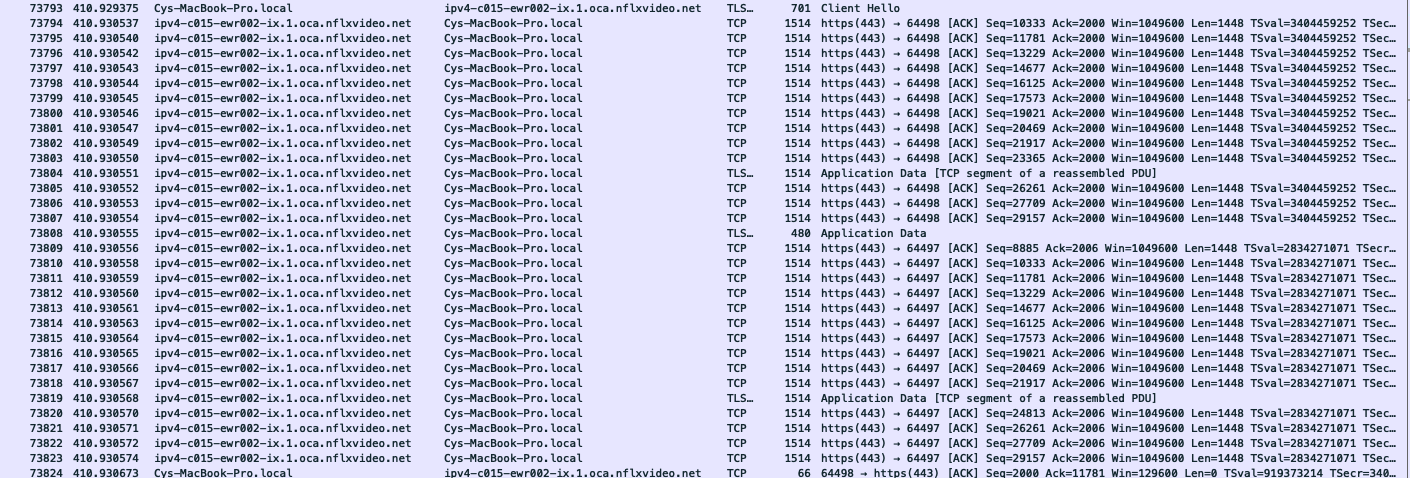
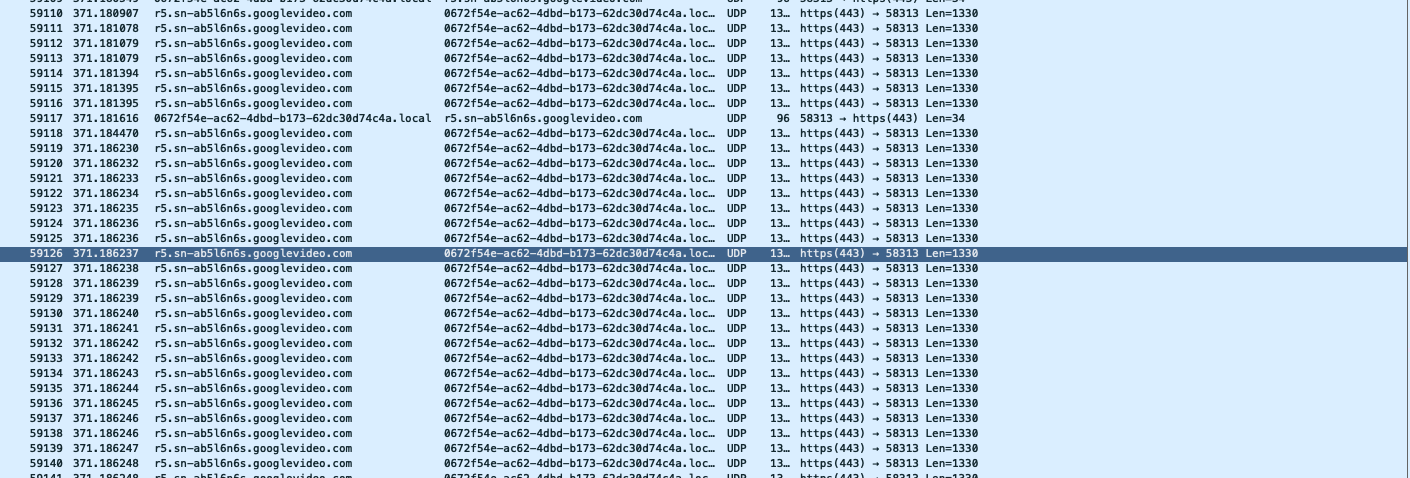
When streaming audio from Soundcloud and audio+video from Netflix the connections were via TCP whereas videos in ads that are hosted on google servers stream via UDP. I initially assumed most video and audio is sent over UDP but turns out because the user controls the play/pause, skip ahead and other playback features these requests need to be sent back to the server whereas UDP is a one way stream with no handshakes. TCP also allows for proper validation of the clients which would be a priority for Netflix since its a pay-to-watch service. The third aspect is that with a TCP connection that goes two ways it makes it possible to monitor the bandwidth size available between the server and client to modify the appropriate picture quality.

On top of the expected servers showing up from this Wireshark sweep, I also noticed some advertising and audience tracking and observation related servers (e.g “global.ppx.quantserve.com” and “instagram.c10r.facebook.com”) via TCP connections. Quantserve is an AI company that measures and tracks user activity for ad purposes. As for instagram/facebook, I couldn’t find exact information for this server but the company is known to track users on the web even if they don’t have an account so I’m assuming this is from some of the recipe blogs i visited that have the “like” and “share” buttons embedded in their pages.

nflxvideo.net - netflix server - TCP connection

nflxvideo.net - netflix server - TCP connection

googlevideo.com - google server that streams ad video content - UDP Connection

googlevideo.com - google server that streams ad video content - UDP Connection


Week 2 - Tracerouting

I ran the trace route command for a few websites I frequent as well as my iPhone (its local IP from the same LAN as my computer). Below are some snippets and here is the link to the google sheets doc with the complete results. Note: all the IPs that were received are visible in the screenshots. Two traceroutes came back inconclusive having used up all 64 TTL counts.


www.soundcloud.com

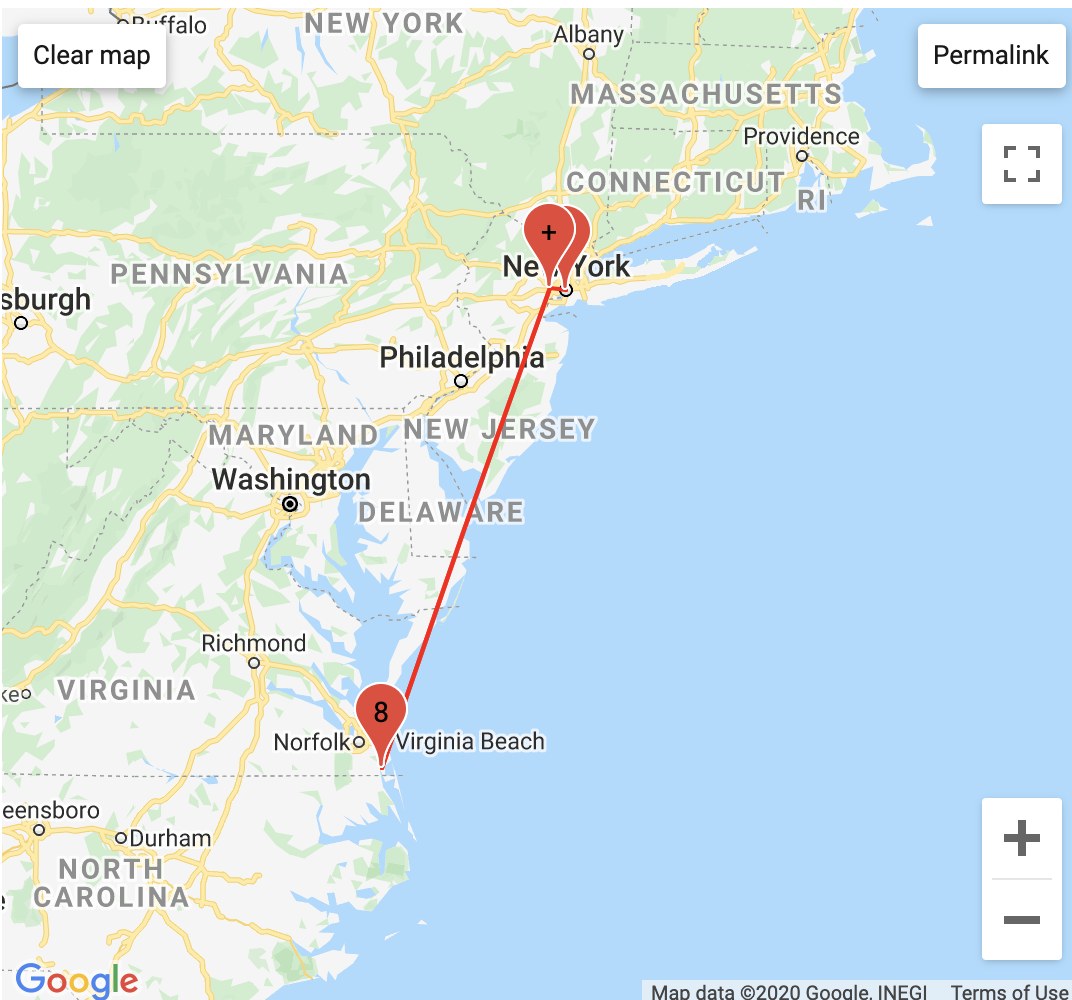
not very exciting spitballing between NY, NJ and VA

not very exciting spitballing between NY, NJ and VA

My Digital Ocean Server

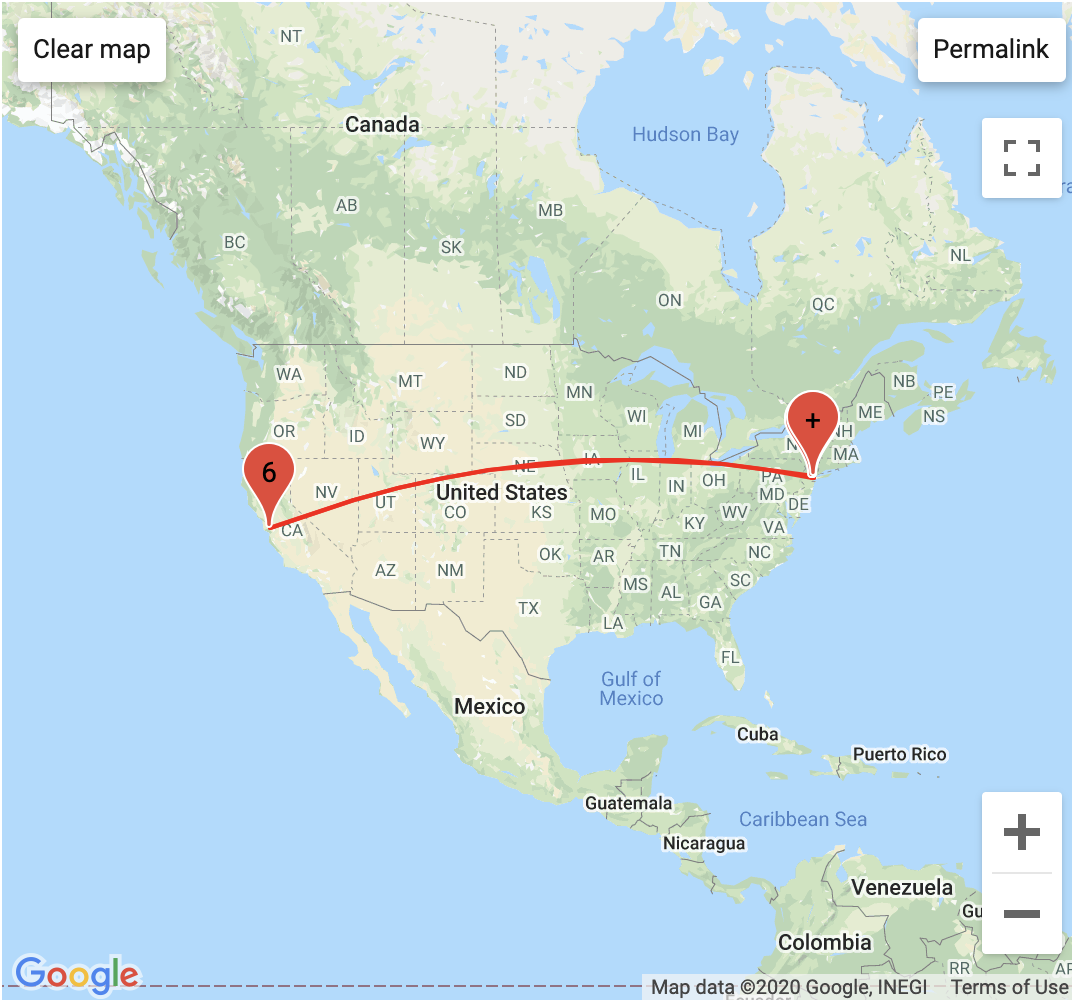
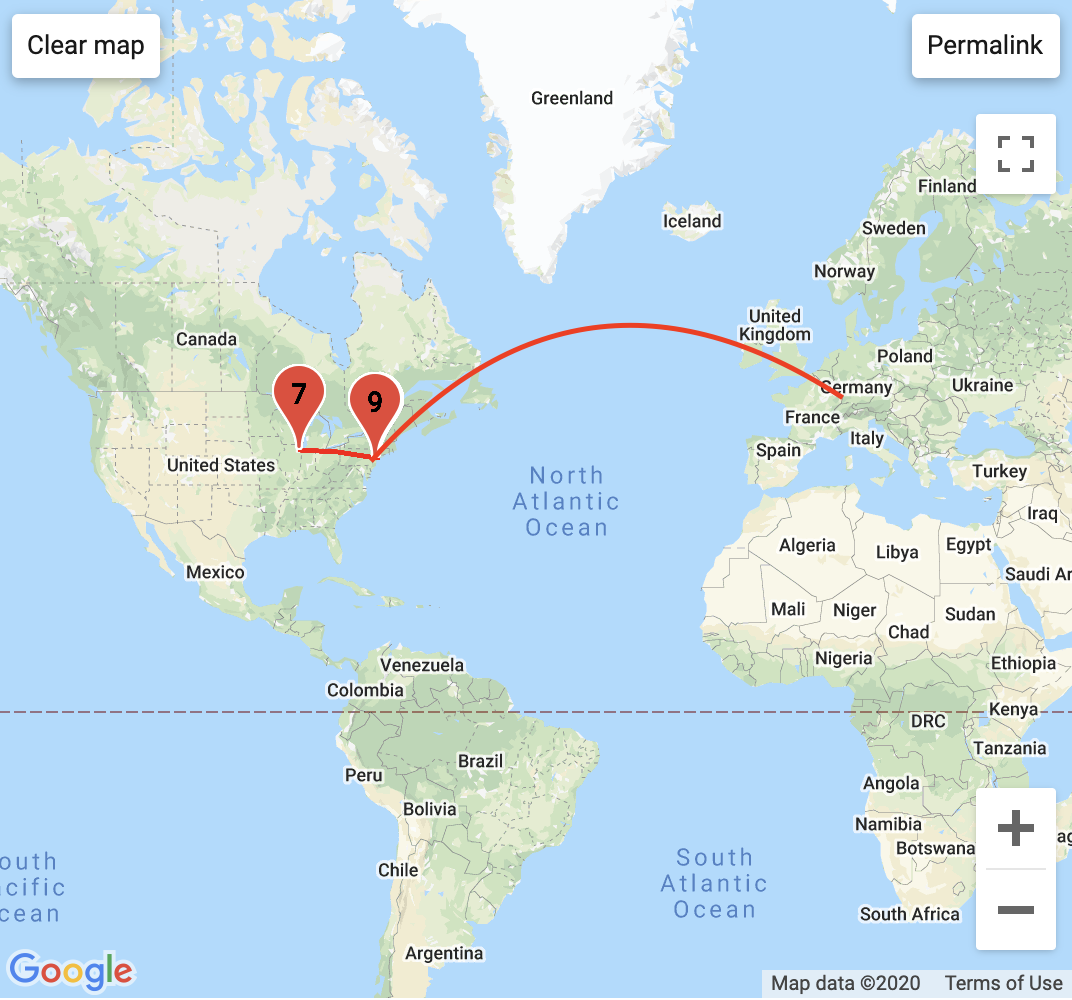
The location does not match the chart because  I used a different IP address lookup service for this map

The location does not match the chart because I used a different IP address lookup service for this map

www.cy-kim.com

Screen Shot 2020-09-21 at 10.46.03 PM.png

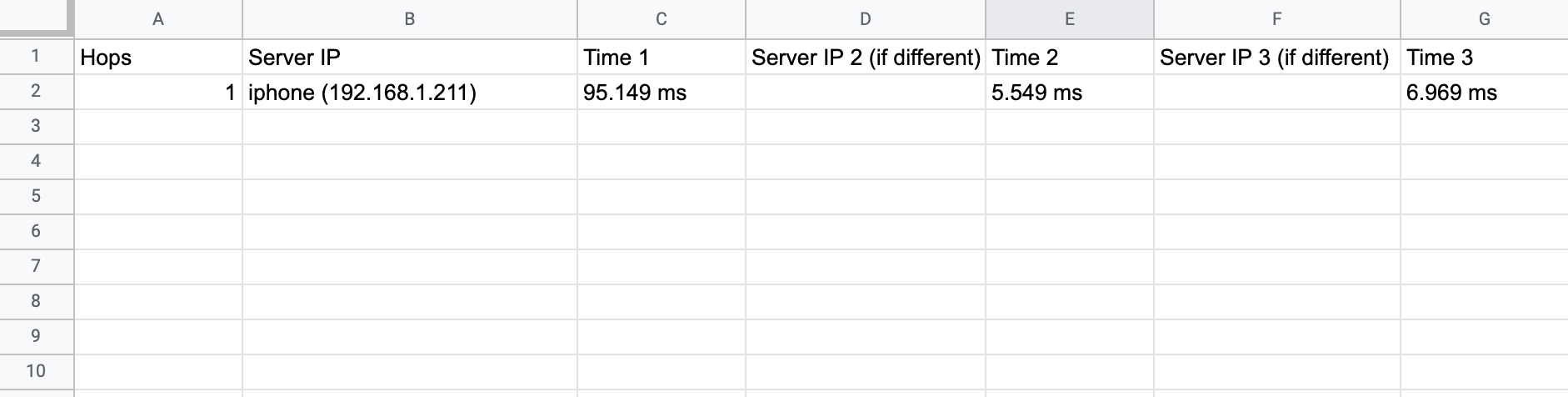
My iPhone connected to the same LAN

03_tr_iphone.png

Observations

The TTL is limited 64 counts and my traceroute to my Digital Ocean server and Squarespace website maxed out those counts. Also, a majority of the returns out of the 64 for those connections had the return packet blocked and the servers did not self-identify. I’m not sure if the results for these two traceroutes actually took 64 hops or it has been intentionally obscured.

Lines 3-4 are the same regardless of the URL meaning that packets from my computer go through the same pipeline of Spectrum routers in NYC before getting sent a Spectrum router in Newark or Dallas (line 5) before being to outside of my ISP’s network. I wonder what physical setups are involved in lines 2-5.

Some of the Tier1 providers: Amazon.com, Charter Comm (Spectrum), Level3, Vodafone, Akamai Tech.